A practical decision framework every parent needs — so you walk into the toy aisle armed with the right questions, not just good intentions.
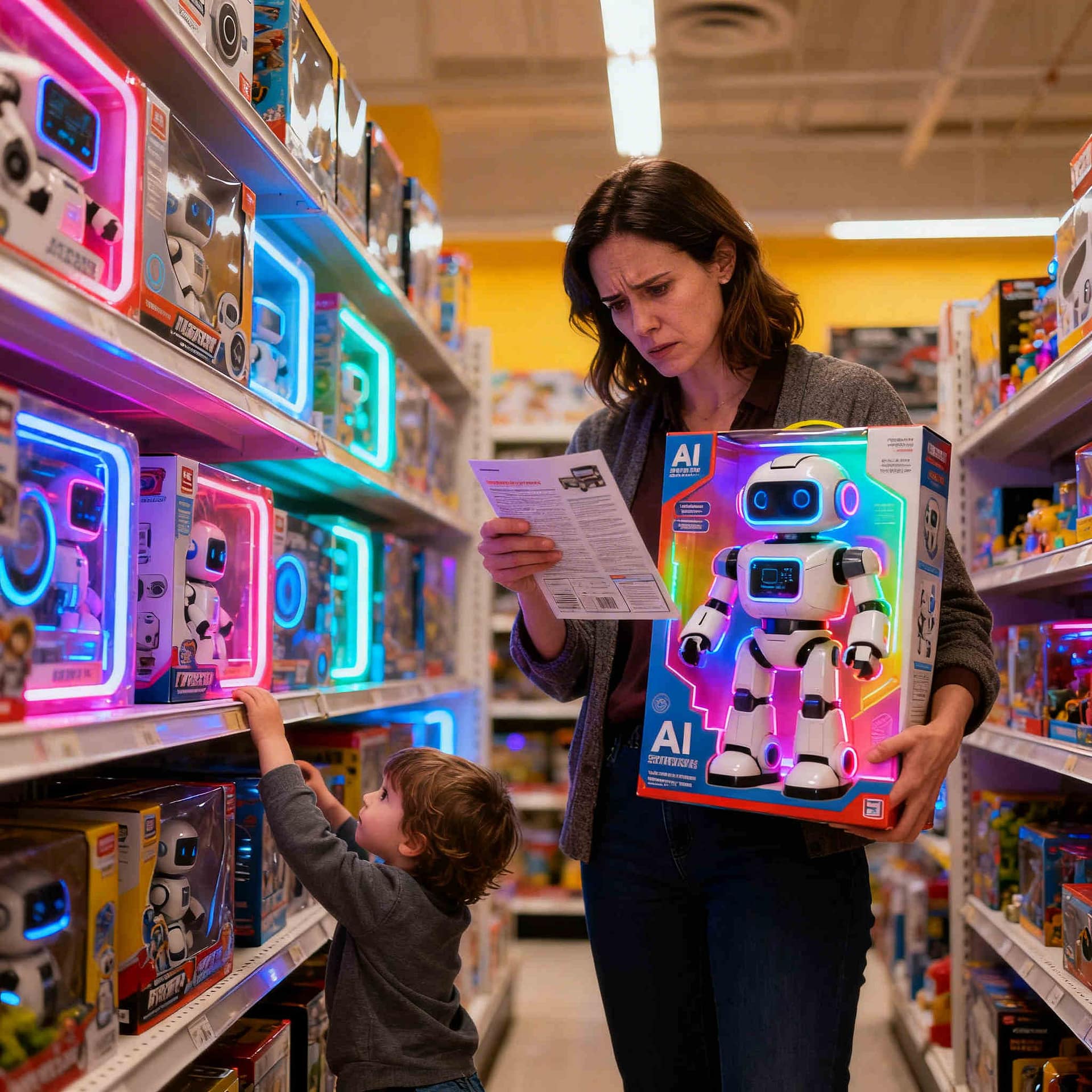
Most toy safety advice tells you what can go wrong after you’ve already bought something. This guide is different. It gives you five specific questions to answer before you reach the checkout — so you’re not relying on box claims, star ratings, or the experiences of other parents who may not have considered the risks of AI toy safety either.
AI toys are a distinct category that demands a distinct evaluation process. They aren’t just gadgets — they are data-collecting, network-connected systems that can influence how your child communicates, forms attachments, and trusts other “voices.” The five questions below are designed to surface those risks clearly, and quickly.
This is not the same as asking whether a toy “collects data.” Almost every AI toy does. The more important AI toy safety question is what happens to that data once it leaves the device — and that detail rarely appears on the box.
There are three meaningfully different scenarios, and the difference between them matters enormously:
On-device processing means the toy’s AI runs entirely within the toy’s own hardware, with voice data never transmitted externally. This is the safest configuration — but as of now, genuine on-device conversational AI does not exist in consumer toys. What manufacturers sometimes call on-device processing is usually limited to wake-word detection, while all meaningful AI interaction still routes through external servers.
Company-server processing means recordings are sent to the manufacturer’s own servers. The manufacturer’s privacy policy governs what happens next — which is why that policy is not optional reading, you HAVE to read it!
Third-party AI processing means recordings are sent not just to the manufacturer, but to an external AI provider — for example, a large language model platform. This is increasingly common because it’s cheaper for toy companies to build on existing AI platforms. It also means your child’s voice is now governed by two privacy policies (the toy manufacturer’s privacy policy and the third-party AI provider’s privacy policy) — one of which you probably haven’t read and may not easily find.

What to look for before you buy: Find the privacy policy before installing any app. Search the page for the words “third party,” “service provider,” and “AI.” If it names specific vendors, research them. If it uses blanket phrases like “trusted partners” without naming them, you have no way of knowing where your child’s voice ends up.
- Privacy policy only accessible after creating an account
- “Trusted partners” listed without naming them
- No mention of which AI platform the toy uses
- No stated limit on how long voice recordings are stored
- Named AI vendors with their own child-safe data policies
- On-device processing or clearly scoped server use
- Specific retention limits (e.g. “deleted within 30 days”)
- Parent dashboard to view and delete recordings
Finding all green flags is the ideal, but even one or two is significantly better than toys with multiple red flags.
Most parents are told to check whether a toy is “secure.” Few are told how to test it. These are practical AI toy safety checks you can run before or immediately after purchase — no technical expertise needed.
Three Tests Worth Running
The default password test. Does the toy or its companion app ship with a default password — often “0000,” “1234,” or the device’s serial number? When setting up the app, check whether you are required to create a unique password, or whether the default is simply suggested. If changing it is optional, that is a red flag. Default passwords that stay in place are one of the most common ways connected devices get compromised.
The offline test. After setup, put your phone into aeroplane mode and interact with the toy normally. A toy that stops functioning almost entirely when offline is cloud-dependent — meaning its AI runs on external servers, not the device itself. A toy that handles basic functions offline shows its core processing happens locally. This is a useful indicator, but not a complete test: a toy can store voice data on-device and still handle it poorly. Use the offline test as a first filter, not a final verdict.
The auto-connect test. Disable Bluetooth on your phone and move the toy out of range to see if it automatically connects to other nearby devices. If the toy pairs with unknown Bluetooth devices, it’s vulnerable to attacks where an unauthorized user could gain control over its functions, access its sensors, and potentially spy on the child.
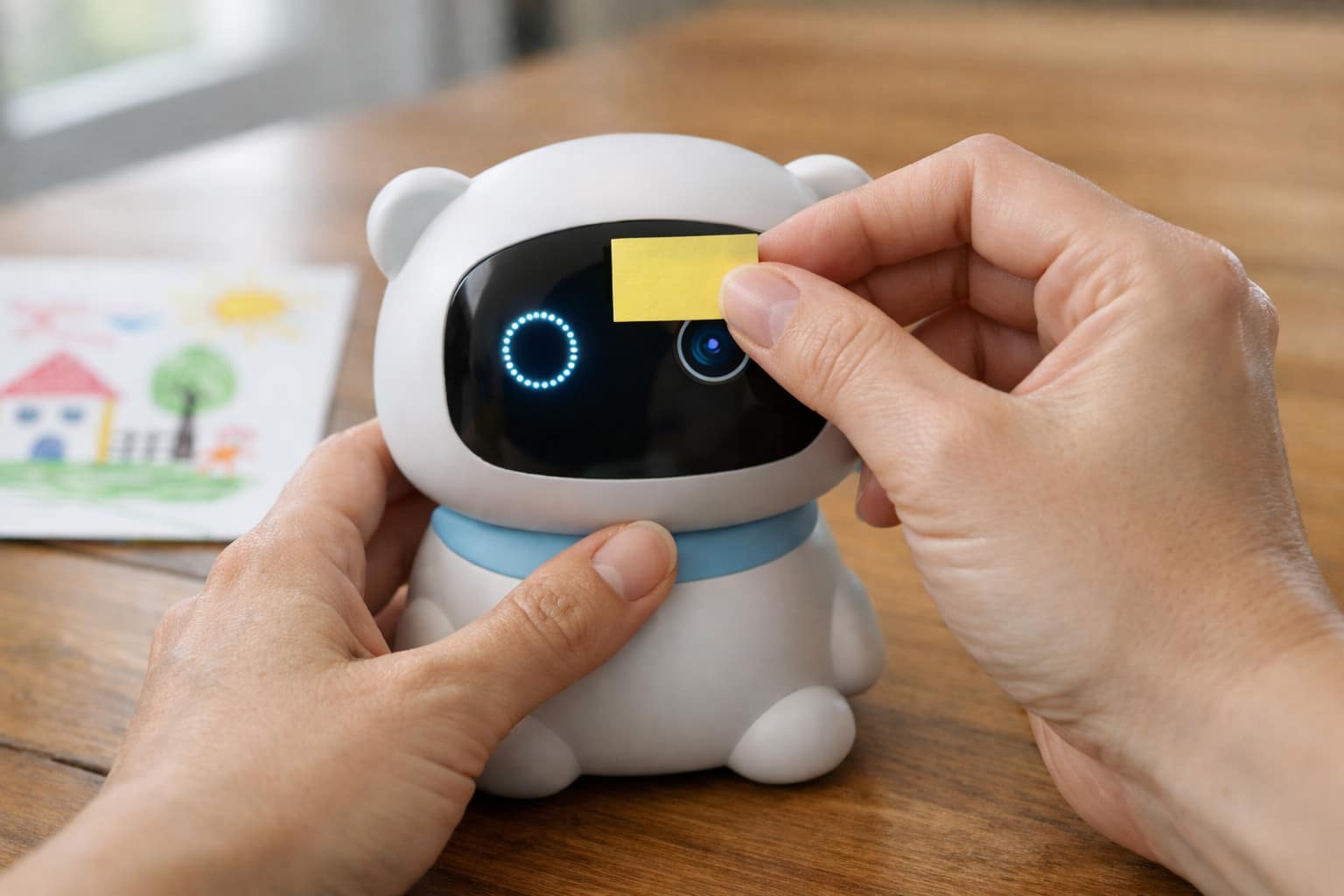
One detail parents often overlook: the gold standard is to look for a physical microphone or camera disconnect — a hardware switch, sliding cover, or clearly labelled button that physically breaks the circuit. This is different from a software mute, and its presence signals a manufacturer who genuinely designed with child privacy in mind. While rare in the current toy market, demanding this feature is an important way to push the industry toward better privacy standards.
A note on TLS: If you see this term in product specs, it stands for Transport Layer Security — the encryption standard that protects your child’s voice data as it travels between the toy and the company’s servers. Think of it as the same technology that protects your online banking. TLS 1.3 is the current secure standard. If a company cannot tell you what encryption standard their toy uses, treat that as a red flag for AI toy safety.
- No mention of encryption in specs or FAQ
- Default passwords that are optional to change
- Toy completely non-functional without constant internet
- Bluetooth that auto-connects without confirmation
- No firmware update mechanism mentioned
- TLS or equivalent encryption explicitly stated
- Mandatory unique password required at setup
- Basic functions (like sounds and movement) operate without internet
- Regular firmware update history publicly available
- Physical microphone or camera disconnect present
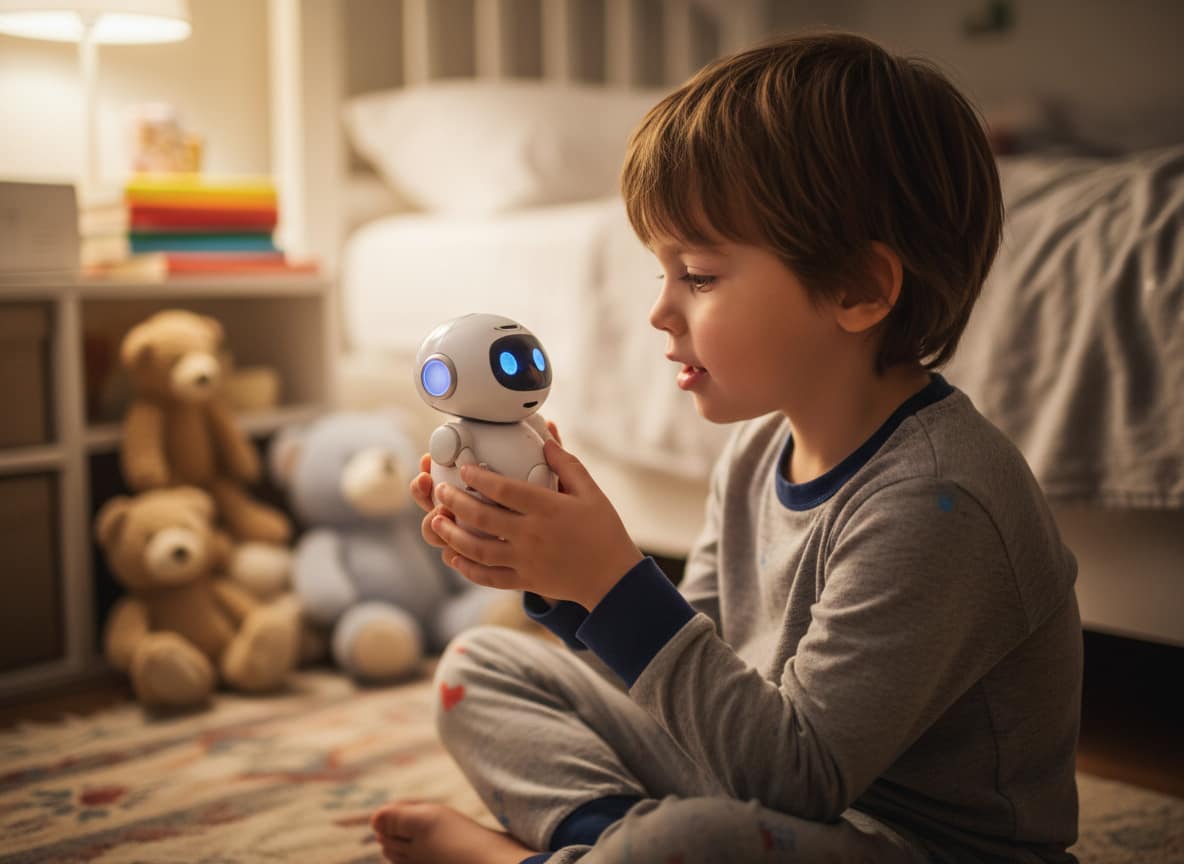
Age labels on toy packaging refer to physical safety standards — choking hazard clearances, material tests, sharp-edge tolerances. They say nothing about whether a child is cognitively or emotionally equipped to interact with a system designed to simulate a relationship. This is one of the most overlooked aspects of AI toy safety for kids.
AI toys that use conversational interfaces aren’t just responding to commands — they mimic the patterns of a relationship. They ask follow-up questions. They “remember” preferences. They express something that sounds like enthusiasm or concern. For an adult, this is clearly a simulation. For a young child, the distinction is genuinely difficult to make — not because children are naive, but because their brains are not yet wired to make the distinction reliably.
The Right Question Isn’t “What Age Is on the Box?”
The right question is: does my child understand, in practical terms, that this toy cannot actually care about them? Not just as a concept they can recite, but as something that shapes how they interact with it day to day.
A useful readiness test: ask your child to explain what would happen to the toy’s “feelings” if you turned it off or gave it away. A child who is ready for a conversational AI toy can answer calmly and clearly. A child who becomes upset at the question — or who insists the toy would be sad — is telling you something important that the age label never would.
Watch for These Signals After Purchase
If any of the following patterns appear within the first few weeks, take them seriously:
- Your child refers to the toy as their “best friend” or uses language that treats the toy as having real feelings
- Significant distress when the toy is turned off, unavailable, or taken away temporarily
- Choosing the toy over opportunities for peer play when they would not previously have done so
- Sharing emotionally sensitive information with the toy that they don’t share with you
- Asking you not to move or touch the toy — as though it has a preference about that
“Learns with your child” is now standard marketing language for AI toys. It sounds positive — a product that adapts to your child’s interests and level. What it actually describes is a system that builds and stores a behavioural profile of your child over time. Understanding this is central to any honest assessment of AI toy safety.
That profile may include vocabulary patterns, emotional responses, frequently mentioned names or places, expressed fears or anxieties, and how often your child interacts with the toy. In a well-designed product, this stays within a closed system and is deleted on request. In a poorly designed one, it persists on servers long after your child has outgrown the toy — and may be used in ways you never agreed to.
Four Questions to Put Directly to the Company
Most companies have customer service channels — email, chat, or a contact form. The answers they give are informative. So is any failure to respond at all.
- “If I close my account today, what happens to the interaction data collected so far?” A responsible company can answer this precisely. Vague responses like “data may be retained as required by law” are not answers.
- “Is my child’s data used to train or improve your AI models?” This is now a legally separate consent category under updated COPPA rules. If the company says yes, you can say no — and still use the product. See our COPPA Parent’s Guide for details.
- “Is the interaction data processed by a third-party AI platform? If so, which one?” If yes, that platform has its own data policies which you should check separately.
- “What happens to my child’s data if this product is discontinued?” Server-dependent toys become data orphans when companies shut down. Your child’s voice recordings may outlive the product itself unless a deletion protocol is in place.
- “Stored as long as necessary for our services”
- “Data may be used to improve our products” with no opt-out
- No response to direct enquiries within a reasonable time
- Account deletion removes the account but not the underlying data
- Named, specific retention period (e.g. “deleted 90 days after closure”)
- AI training opt-out without losing access to the product
- Named third-party processors with links to their own policies
- Written confirmation of full data deletion available on request

This is the question most parents skip — and it may be the most predictive of all five. A company’s past behavior with children’s data is a far better guide to future conduct than the claims on the box. When it comes to AI toy safety, brand recognition is not the same as a safety record.
This research takes less than five minutes. The steps below are specific and will give you a reliable result.
The Five-Minute Company Safety Check
Open a browser tab and run the following searches. You’re not building a legal case — you’re looking for the existence of serious results.
"[Company name]" FTC children
"[Company name]" COPPA violation
"[Company name]" data breach children
"[Company name]" site:ftc.gov
"[Company name]" privacy lawsuit
Here is how to interpret what you find:
| What you find | What it likely means | Decision |
|---|---|---|
| Nothing substantive | No documented enforcement history. Not a guarantee of safety — but a reasonable baseline. | PROCEED |
| Old issue (5+ years ago) with clear remediation — policy overhaul, FTC settlement met | Company made mistakes but responded to them seriously. Worth noting but not disqualifying. | PROCEED WITH CAUTION |
| Recent violation (within 2–3 years) or pattern of repeat issues without remediation | The company’s compliance culture is either immature or resistant to change. | WALK AWAY |
| Active FTC investigation or pending class action involving children’s data | Unresolved. You would be bringing an under-investigation product into your home. | WALK AWAY |
The Safe Harbor Shortcut
If you’d rather not search manually, look for an approved COPPA Safe Harbor seal on the product or company website. There are three FTC-approved certifiers: CARU (via BBB National Programs), PRIVO, and iKeepSafe. These organizations independently audit companies claiming COPPA compliance — the seal means someone checked, not just that the company says they’re safe.
You can verify whether a specific product is currently certified at CARU’s participant list and PRIVO’s certification page.
Your AI Toy Safety Checklist Before Purchase
Before you finalize any AI toy purchase, run through these five steps. Each maps directly to one of the questions above.
-
Find and read the privacy policy — before installing any app. Search for “third party,” “AI,” and “children.” If it’s not accessible without creating an account first, stop.
-
Identify where the AI processing actually happens — on-device, company server, or third-party platform. If third-party, find that platform’s policy too.
-
Check for a physical microphone or camera disconnect and confirm that a unique password is mandatory at setup — not just suggested.
-
Ask the developmental readiness question — not just the age on the box. If your child cannot clearly explain that the toy has no real feelings, they may not yet be ready for this kind of AI interaction.
-
Run the five-minute company check — FTC, COPPA, data breach. Look for a CARU, PRIVO, or iKeepSafe Safe Harbor seal. If results are concerning, choose a different product.

AI Toy Safety: The Standard Has Changed, and So Should Your Scrutiny
Buying an AI toy used to mean buying a product. Now it means entering a service relationship — one involving your child’s voice, behavior, and potentially their emotional development — with a company you may know very little about.
These five questions won’t make that relationship risk-free. What they do is shift the dynamic: instead of taking the manufacturer’s word for it, you arrive at the decision with specific, verifiable criteria. A company that cannot clearly answer these questions isn’t necessarily hiding something — but they are demonstrating that child privacy is not something they’ve thought through carefully. That alone is worth knowing before you reach the checkout.
If a toy fails multiple questions, the right move is not to negotiate with the packaging. It’s to choose a different product. There are manufacturers who have done this work. Your child’s privacy, security, and emotional wellbeing are worth the extra ten minutes it takes to find them.
Frequently Asked Questions About AI Toy Safety
AI toys are not inherently unsafe, but they introduce risks that traditional toys do not — including data collection, internet connectivity, and emotional attachment. Whether a specific AI toy is safe depends on the company’s data practices, security standards, and your child’s developmental readiness. Use the five questions in this guide to evaluate any AI toy before purchasing.
Most AI toys collect voice recordings, behavioral patterns, and usage data. Some collect images or location-derived information. This data is typically sent to company servers — and sometimes to third-party AI platforms — where it may be stored, analyzed, and in some cases used to train AI models. Always check the privacy policy for specifics before buying.
Age labels on AI toys refer to physical safety only — not emotional readiness for AI interaction. Children under 6 generally cannot reliably distinguish AI responses from real relationships. Children aged 6–12 can use conversational AI toys with close parental supervision. A useful readiness test: ask your child to explain what happens to the toy’s “feelings” when it’s turned off. If they become distressed, they may not be ready.
Look for a COPPA Safe Harbor seal from one of three FTC-approved certifiers: CARU (via BBB National Programs), PRIVO, or iKeepSafe. You can verify current certifications at their official websites. Also check the company’s privacy policy for a dedicated children’s section — if it doesn’t have one, treat that as a red flag.
In documented cases, yes. Toys with weak security, default passwords, or always-on Bluetooth have been exploited to allow unauthorized access. The FBI has warned that compromised smart toys can expose children to unknown third parties. To reduce risk: ensure the toy requires a unique password, avoid toys that need constant internet access to function, and look for explicit mentions of encryption in product specifications.
The safest AI toys process data on-device rather than sending it to external servers, require a unique password at setup, function without constant internet access, carry an independent COPPA Safe Harbor certification, and have a clear, accessible privacy policy that names any third-party data processors. Toys meeting all five criteria are rare — but they exist, and are worth seeking out.
Go Deeper Before You Decide
This guide covers the buying decision. Our other articles cover the full picture — documented safety failures, emotional development risks, and your legal rights under COPPA.